
Download the Ultimate WordPress Optimization Checklist – Free PDF
A slow, vulnerable website could be costing you traffic and trust. Fix it now.
Struggling with a slow or underperforming website?
Your website should be fast, secure, and optimized for search engines—but if it’s lagging, vulnerable, or not ranking well, you could be losing traffic and potential clients.
The good news? You don’t need to be a web developer to optimize your WordPress site.
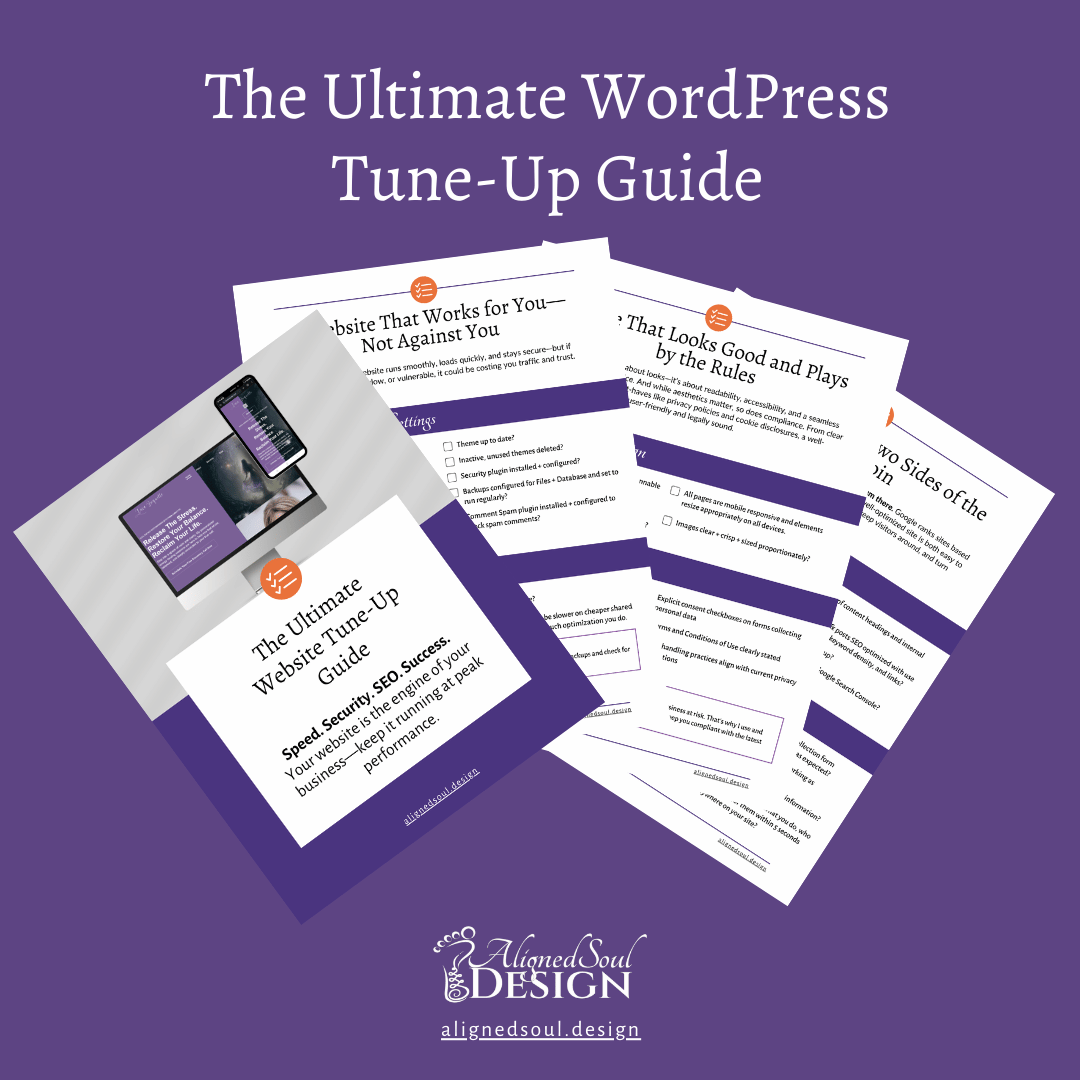
Download the Ultimate WordPress Optimization Checklist and get a clear, step-by-step plan to:
- Assess your website’s speed, security, and SEO with a complete checklist
- Identify critical website issues before they cost you traffic and trust
- Stay on top of updates, security risks, and SEO best practices
- Keep your site running smoothly—without second-guessing what’s important
More than just a checklist—this is your complete website optimization roadmap, designed to help you confidently improve your site’s performance and ensure it works for you—not against you.
Who Is This WordPress Optimization Checklist For?
- Business owners, coaches, and service providers who rely on their WordPress site to attract and convert clients
- WordPress users who want better speed, security, and visibility to improve search rankings and user experience
- Anyone who wants a proven checklist to optimize their site, reduce load times, and create a smoother browsing experience for visitors
Make WordPress Optimization Simple and Stress-Free
Keeping your site fast, secure, and optimized doesn’t have to feel overwhelming. This checklist helps you focus on what matters most so you can confidently handle key updates and improvements.

What I love about Jackie is she knows the design and she knows the technology and finding someone who knows both is very very rare.
Jackie has a bright, optimistic and personable attitude. The trifecta of personality + technology + design isn’t easily found – she’s a rare gem!
– Kim Woods, Business Strategist, Master Astrologer and Healer
kimwoods.com
Trusted by spiritual entrepreneurs and soul-led business owners who need a website that feels aligned, attracts clients, and actually works.
Don’t let a slow website hold you back.
Your site should work for you—not against you.
Get the free WordPress Optimization Checklist and start fixing critical website issues today.
Frequently Asked Questions
Yes! The checklist provides clear, easy-to-follow steps so you can confidently review your website—even if you’re not a developer.
Yes! Just enter your email to get instant access—no hidden fees and you can unsubscribe at any time.
You’ll get the website optimization checklist in your inbox immediately, along with WordPress optimization tips and strategies sent right to your inbox to keep your site performing at its best.
Regular maintenance is crucial. It’s recommended to review your site’s performance, security, and SEO settings at least quarterly to ensure optimal functionality and address any emerging issues. Don’t want to handle this regular maintenance? We can help you out – check out our Website Maintenance plans.
Yes! The optimization strategies apply regardless of your theme or plugins. However, we always recommend backing up your site before making major changes.
Yes! Depending on the services you select, we offer support for content updates, minor site changes, and even adding fresh blog posts.
Want to offload website maintenance completely and not deal with this Wordpress Optimization Checklist? Check out our Monthly Payment Plans or our Website Maintenance Plans to keep your site running smoothly—without the hassle.